
Posts
-
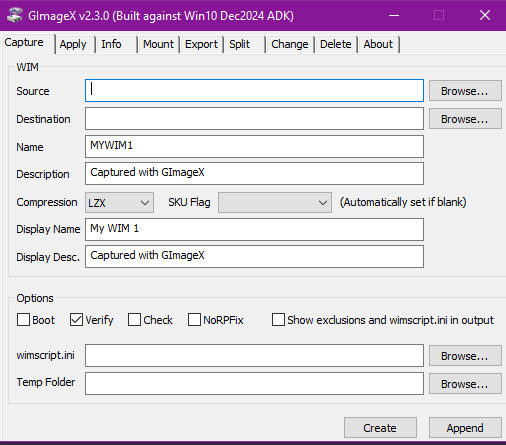
GImageX v2.3.0 Released
GImageX v2.3.0 has been released. GImageX provides a GUI for working with WIM images.
-
ConfigMgr Package and Program Return Codes and Reboot Behaviour
This post describes the ways that Microsoft Configuration Manager handles reboots for a Package & Program deployment. The behaviour depends on the Program configuration, deployment method, and return code. For example, a Package will perform differently when deployed in a Task Sequence than when it is deployed directly to a collection.
-
ConfigMgr Package Success, Reboot and Retry Return Codes
This post describes the return codes that Microsoft Configuration Manager understands for Package and Program deployments and shows which codes are classed success, reboot, or retry.
-
ConfigMgr Create Task Sequence Media Wizard and Network Ports
Overview This post describes the firewall ports that need to be opened between a Microsoft Configuration Manager console and servers in order to use the Create Task Sequence Media wizard. I recently had to run the Create Task Sequence Media wizard from a ConfigMgr console installed in a secure environment. All the network ports as
-
Single Instance WinForm App in C# with Mutex and Named Pipes
Overview This post shows how to create a single instance WinForm C# application using a Mutex. It also demonstrates how to send any object between instances with Named Pipes. While writing OSD Background I wanted an application that would only allow a single instance to run at any given time. In addition I wanted it
-
Script to Detect if Running from ConfigMgr Task Sequence and Avoid False Positives
Overview This post shows how a script can detect if it is running from inside a Microsoft Configuration Manager Task Sequence in a way that avoids false positives. The Problem At times it’s useful for a script to detect if it is running from a ConfigMgr Task Sequence so it can alter its behaviour accordingly.
-
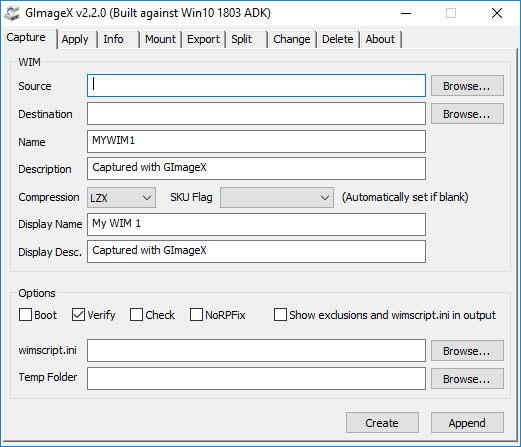
GImageX v2.2.0 Released for Windows 10
Overview GImageX v2.2.0 has been released. GImageX is a freeware GUI for working with imaging WIM files providing an alternative to DISM. It can be used to capture, apply, mount, export, split and delete WIM files. GImageX is provided as a 32-bit and 64-bit native application that can be run even in WinPE. GImageX uses the
-
AutoIt Cmdlets for Windows PowerShell
Overview The newest versions of the AutoIt scripting language now come with a bonus for PowerShell users. A set of native PowerShell Cmdlets! This allows you to add the unique features of AutoIt – window manipulation and keystroke simulation – to your usual PowerShell scripts. As an additional bonus, the AutoIt PowerShell Cmdlets and Assemblies
-
WinPE Version List
Overview This post contains a WinPE version list including the WinPE version, the Windows version, and the numeric Windows version string that it was built from. It covers all versions of WinPE from the initial Windows XP versions to the latest Windows 10 versions. Windows Preinstallation Environment (Windows PE or WinPE) is a lightweight version
-
Automating Office 365 Click-to-Run First Use Without Group Policy
Overview This post shows how to automate the numerous “first-run” dialogs that are shown when a user runs an Office 2013 or Office 365 application for the first time. With a standard local installation of Office 2013 this can be done in two ways. Firstly, by using Group Policy (the recommended way). Secondly, by using